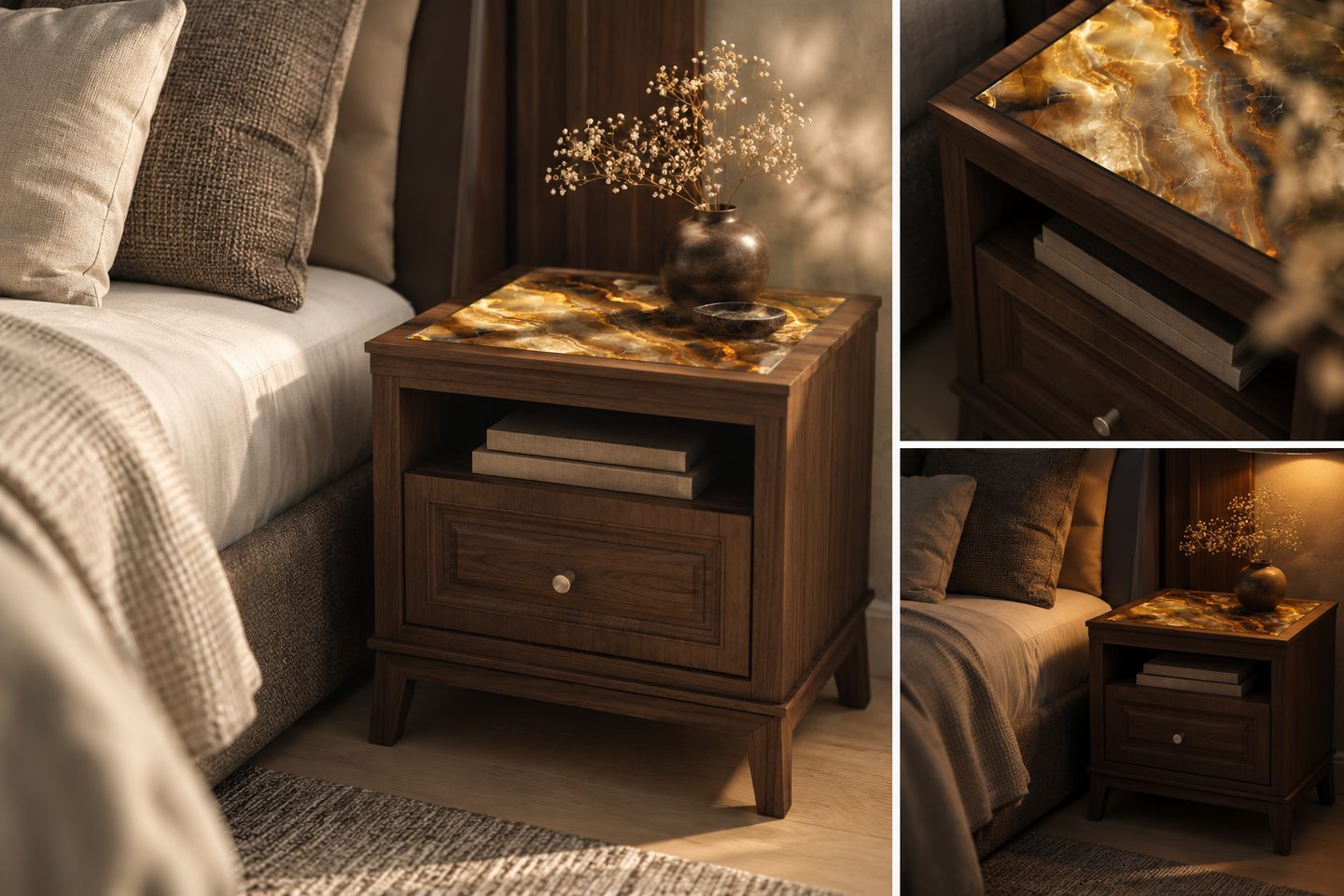
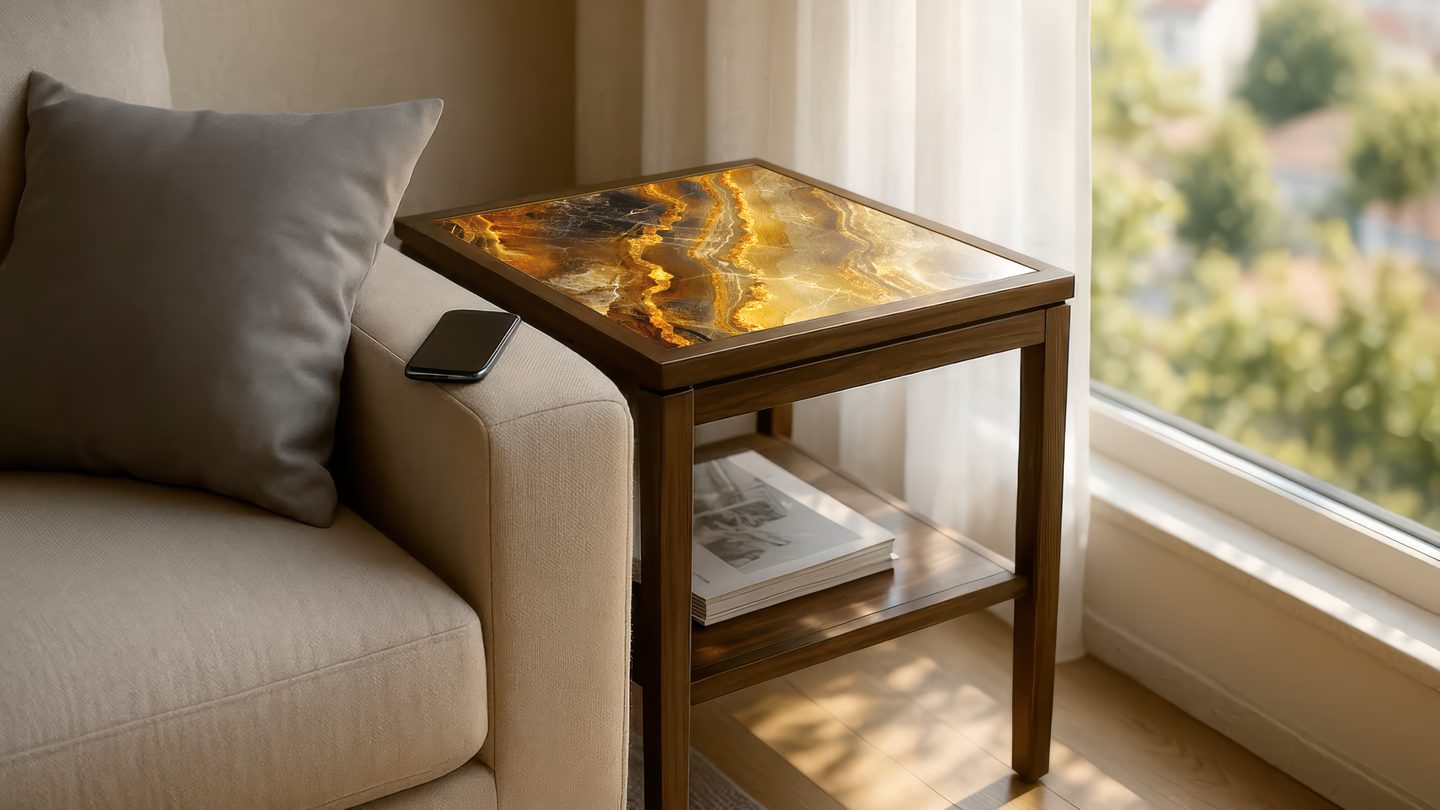
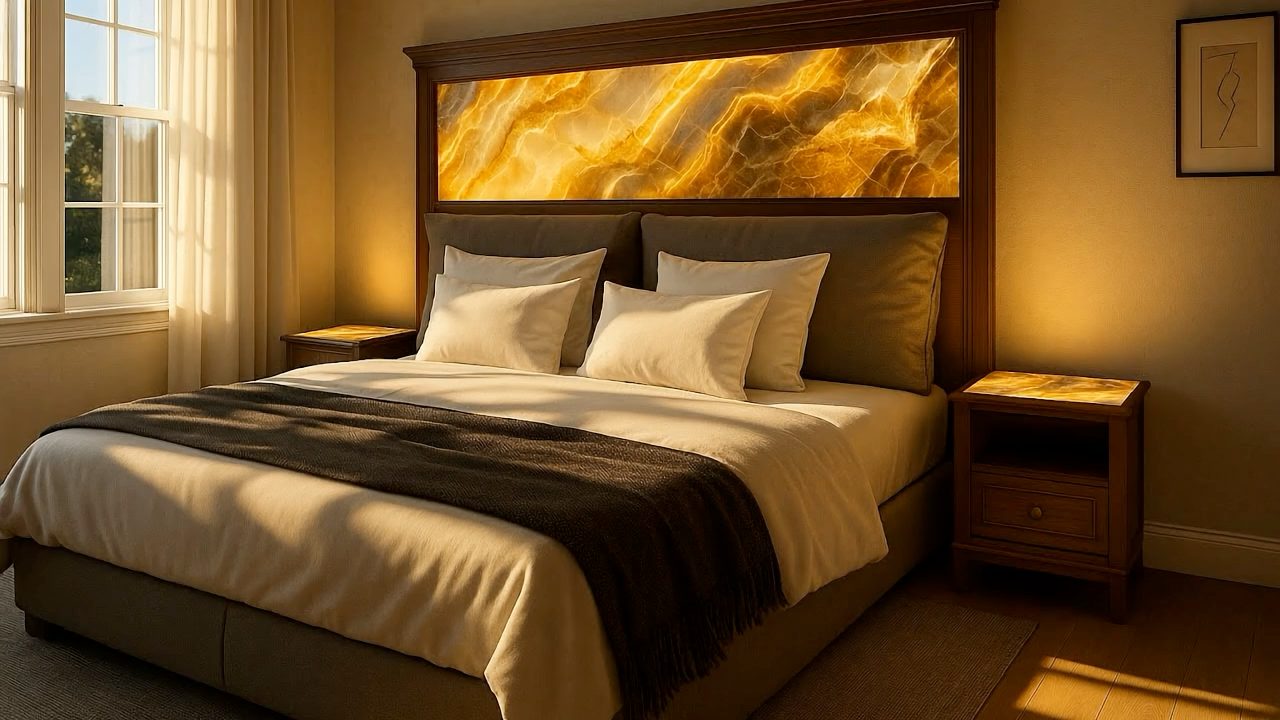
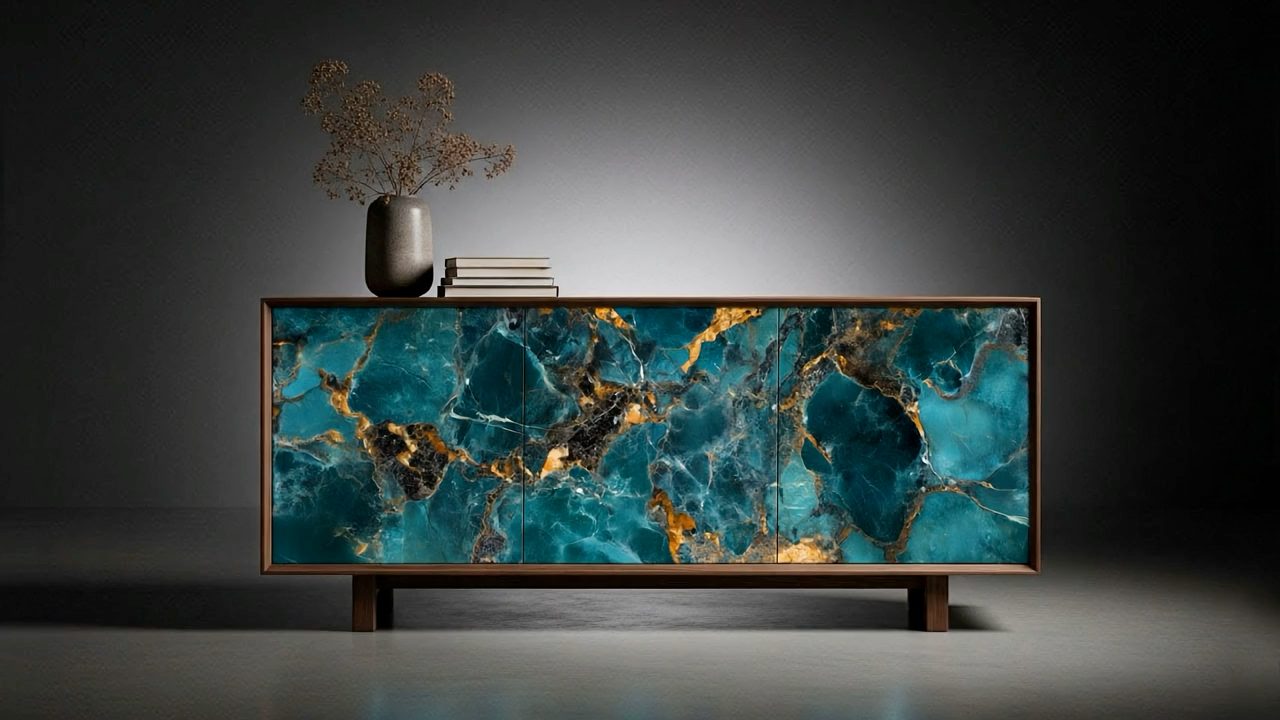
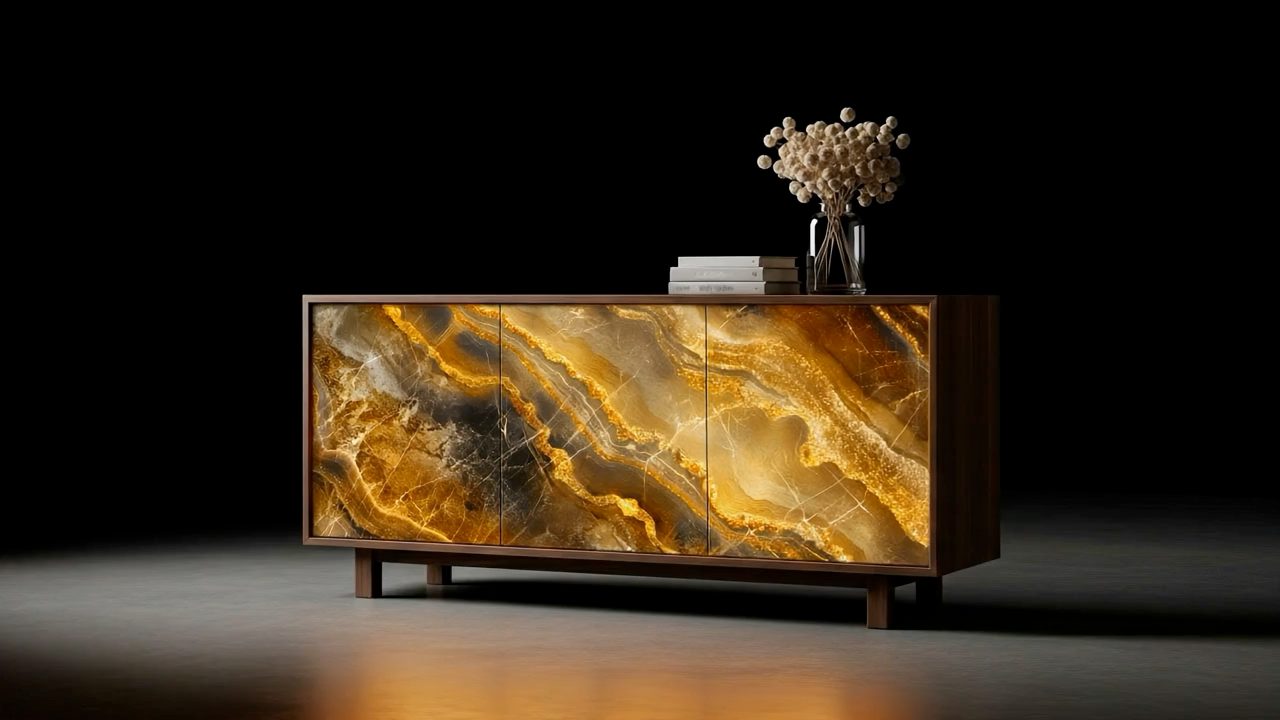
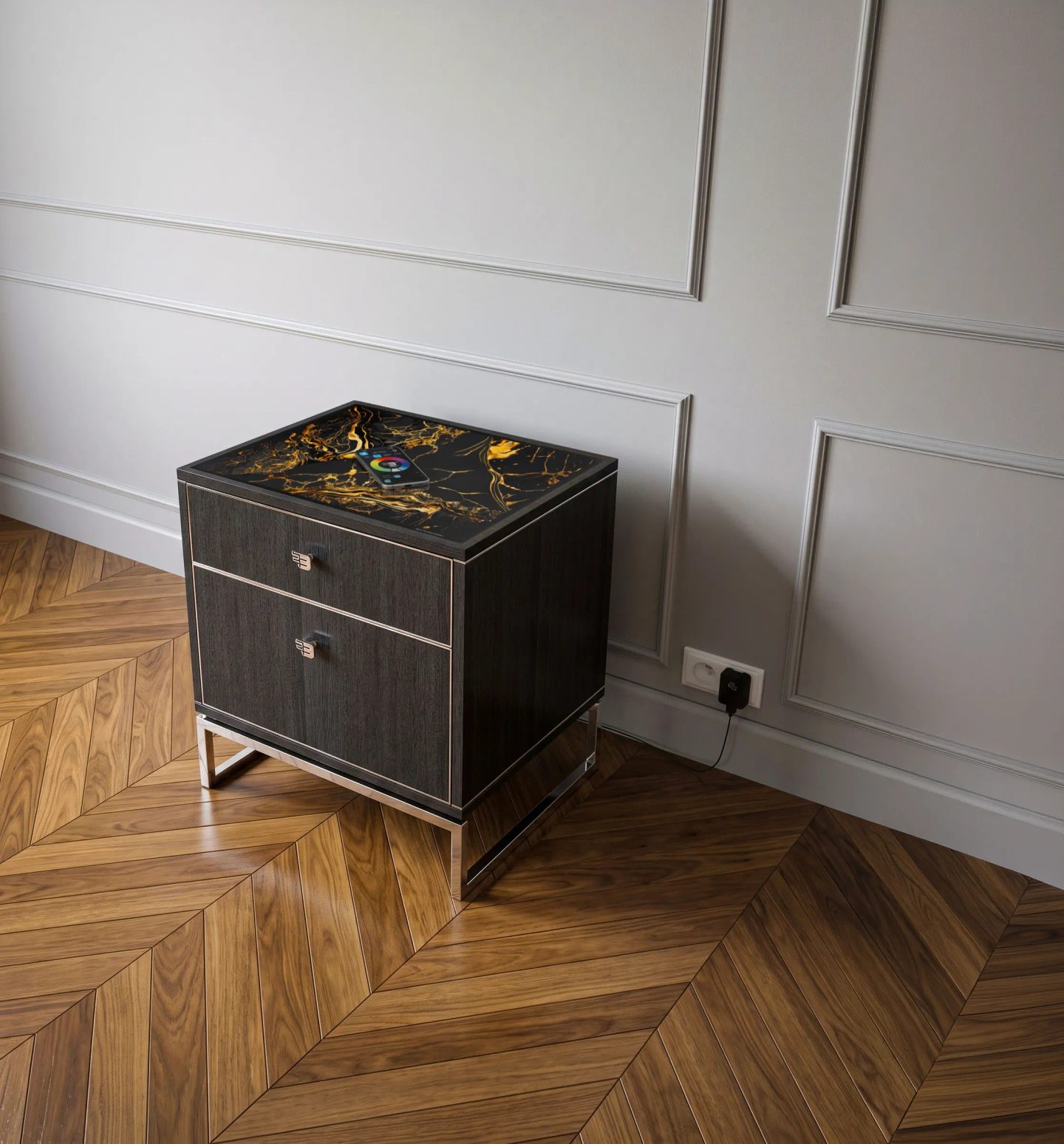
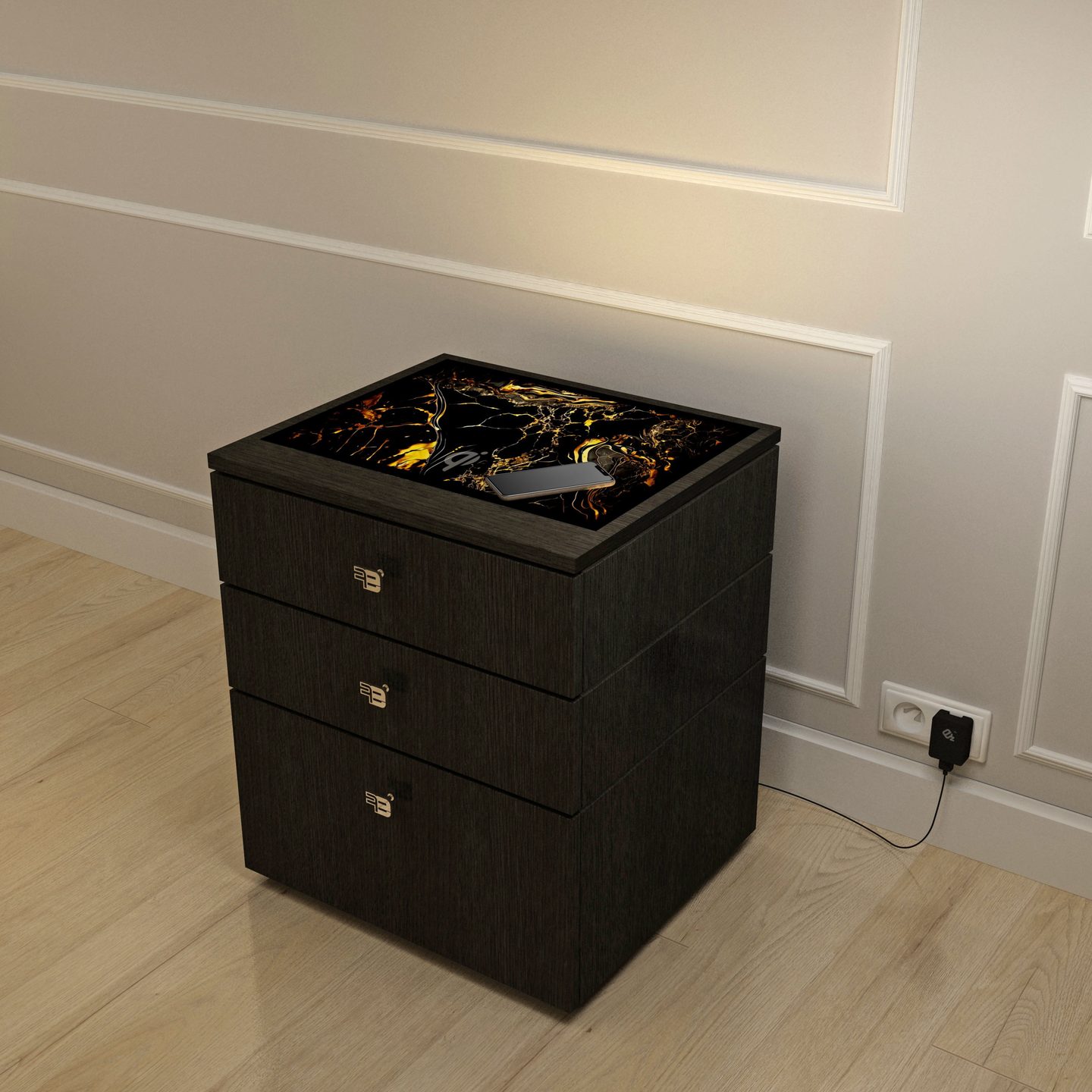
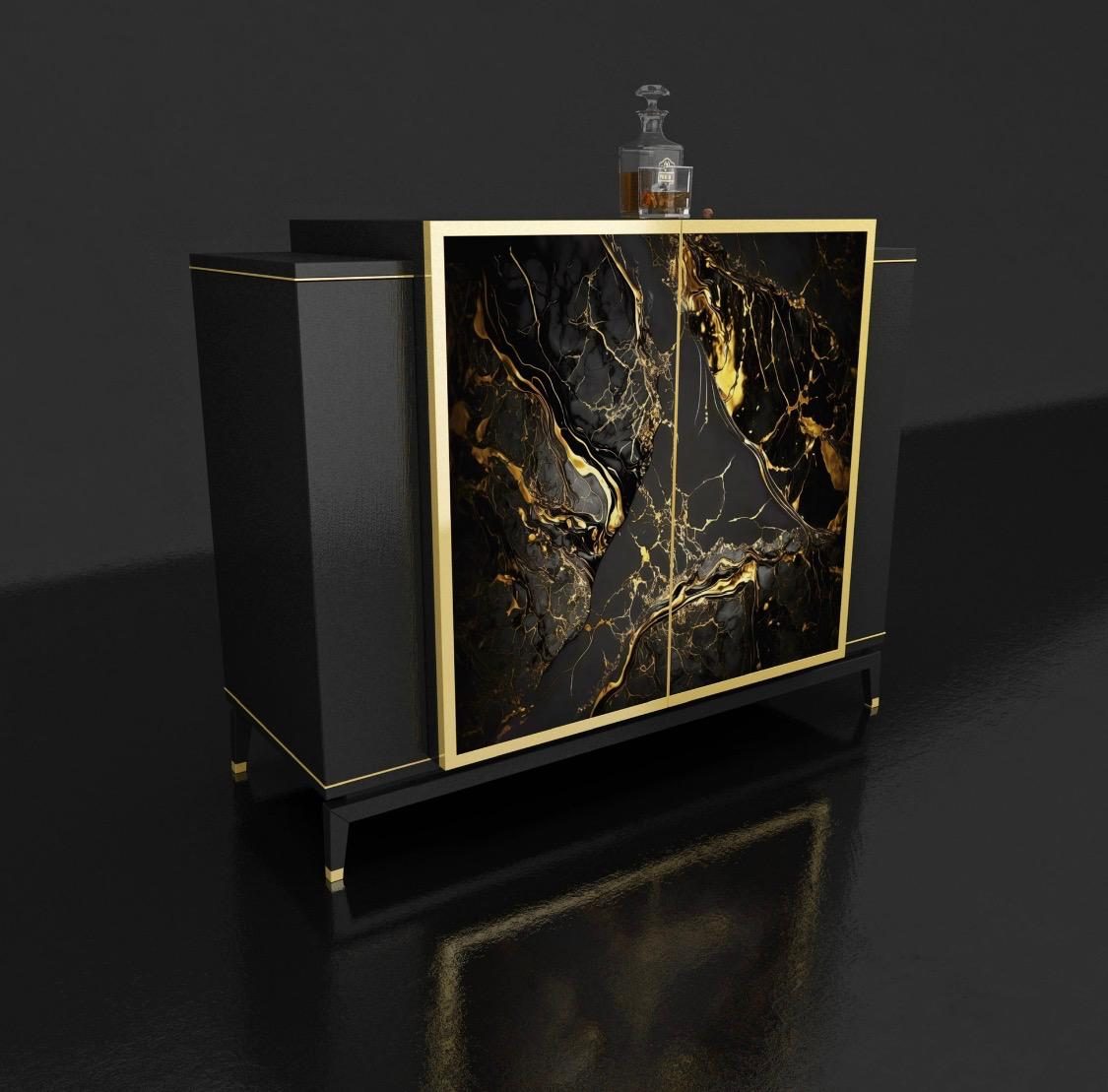
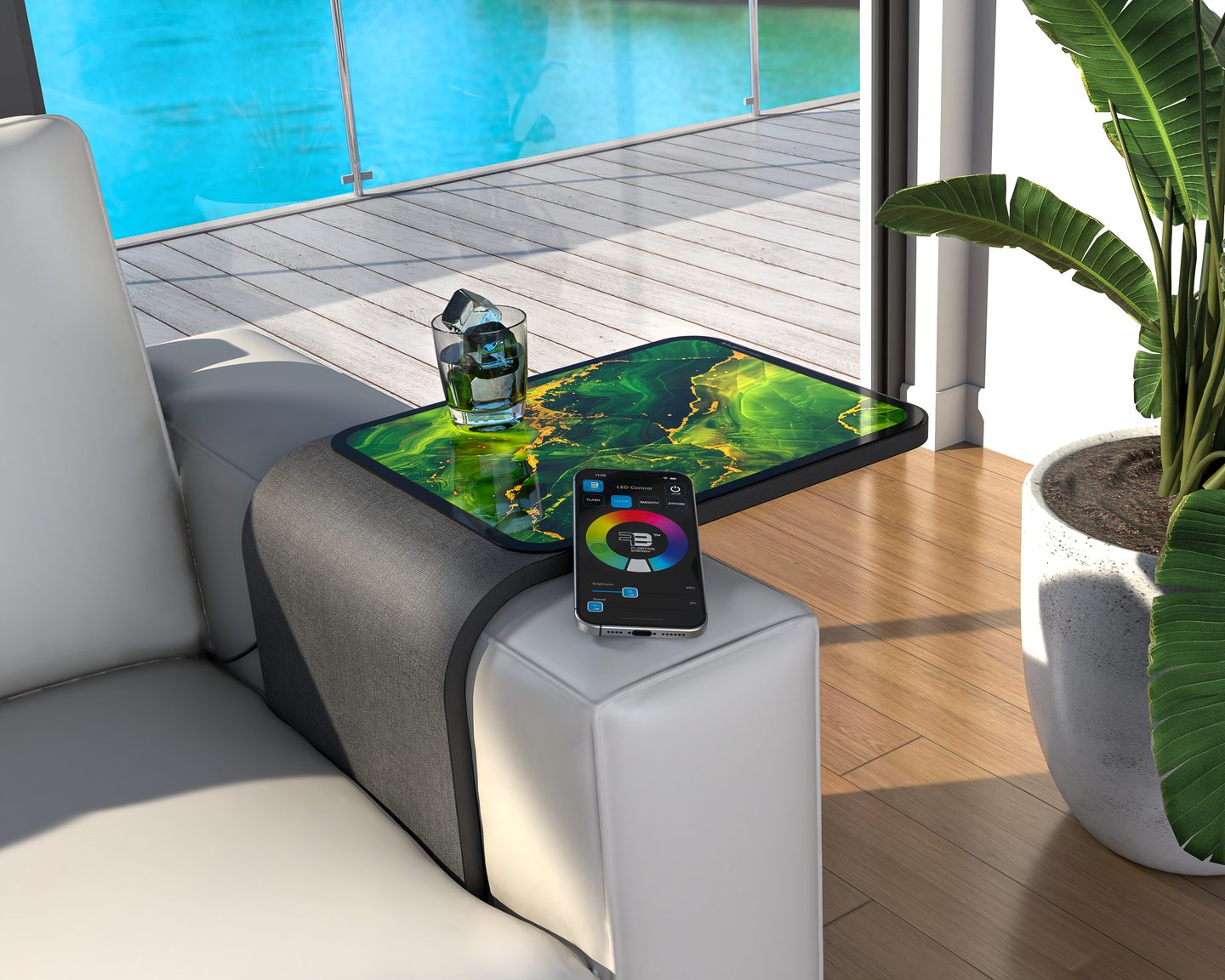
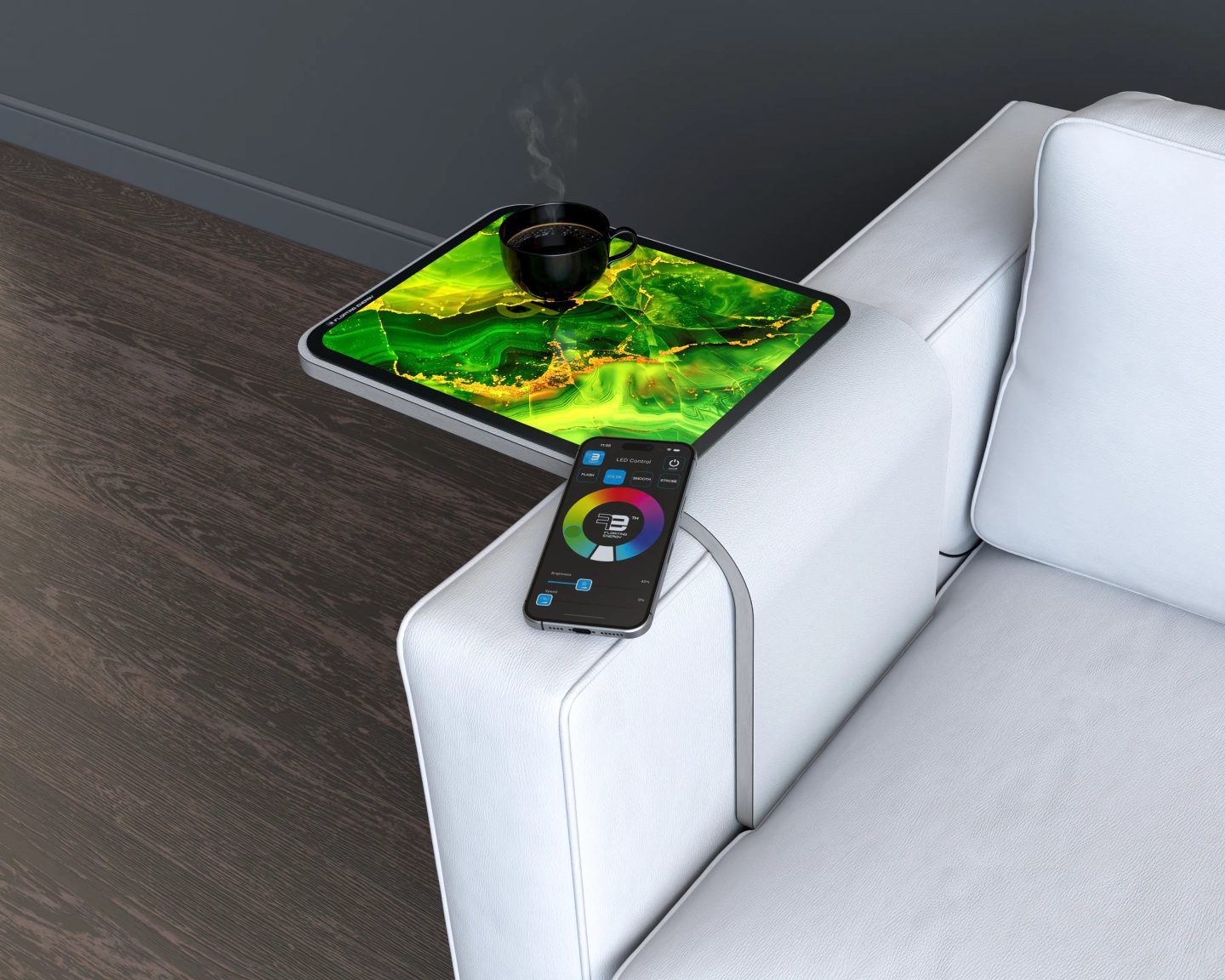
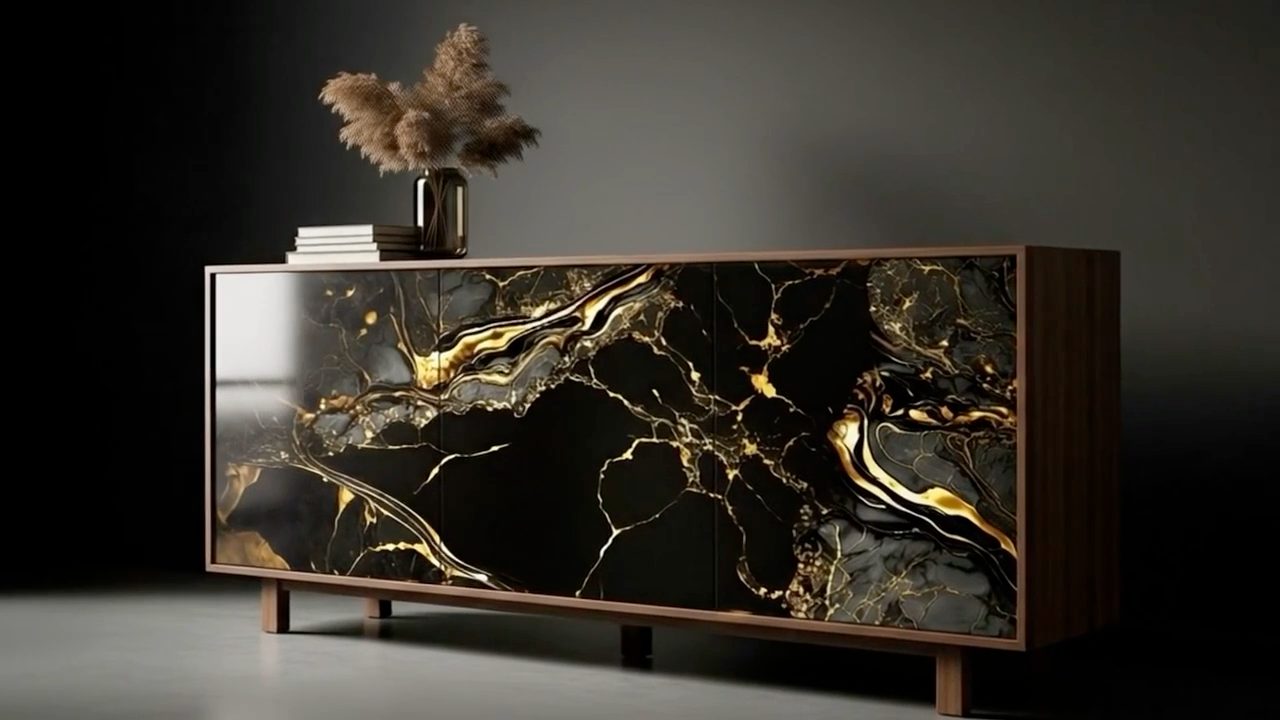
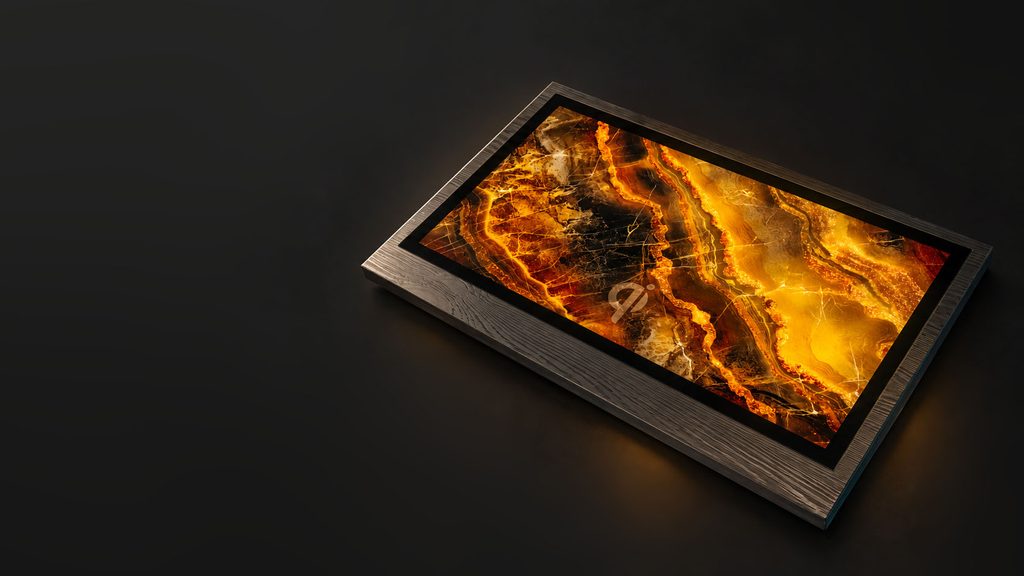
Amber illuminated stone-pattern glass panel with a dark wood frame and Qi charging mark.

For furniture applications

RGBW
Illuminated
Glass Panels

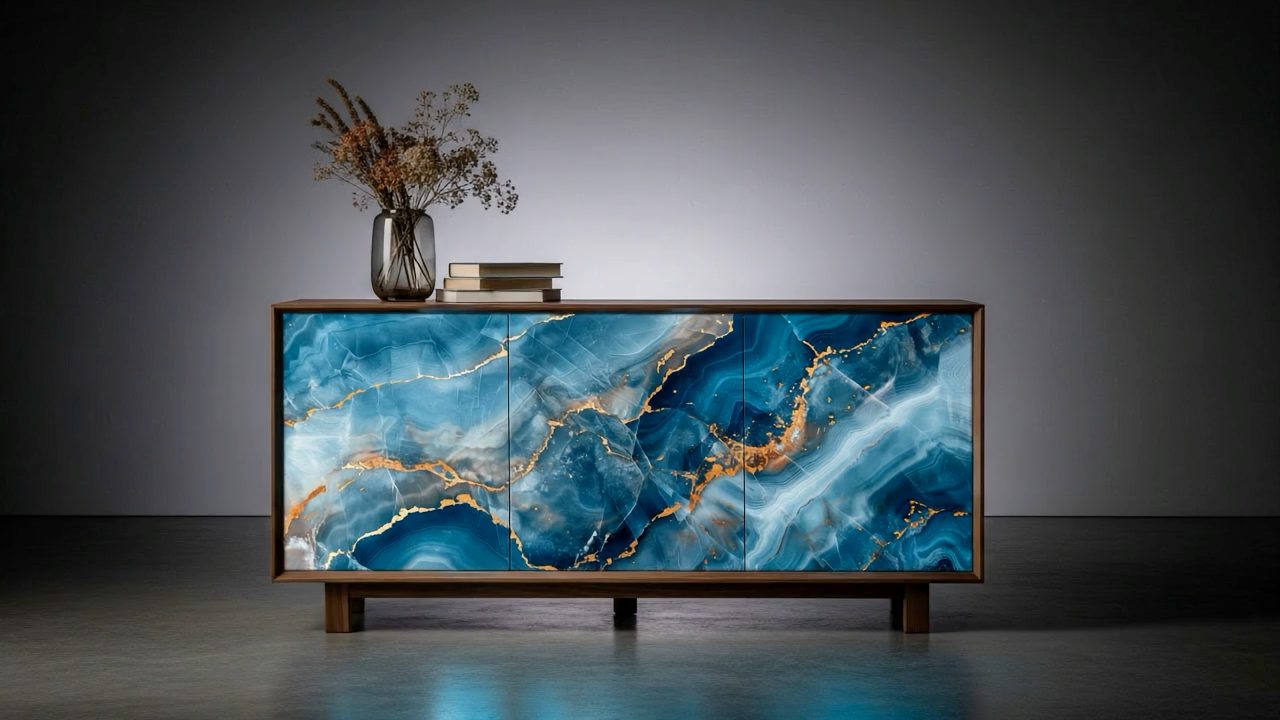
Decorative illuminated glass panels bring light and distinctive design to your furniture. Qi wireless charging and a USB-C hub option add everyday convenience, depending on configuration.

  • RGBW lighting
  • Qi wireless charging
  • USB-C hub option

Technical Features

Tempered glass top

RGBW LED backlighting with color, brightness, and demo mode controlled by the FE mobile app or a touch sensor.
Wireless charger

Output power
15W
Input voltage
12V DC
Protocol
EPP
Certification
Qi certified

USB-C HUB charger

  • Compliant with USB Type-C 2.4 and USB PD 3.2
  • Supports 5V, 9V and 12V
  • Supports 2 Programmable APDOs
  • BC 1.2 DCP and HVDCP Protocols
  • Apple 5 V/2.4A mode
  • QC 2.0/3.0/QC 3.0+ Class A or Class B
  • USB-IF Certified

Technical drawings

Illustrations 01–04
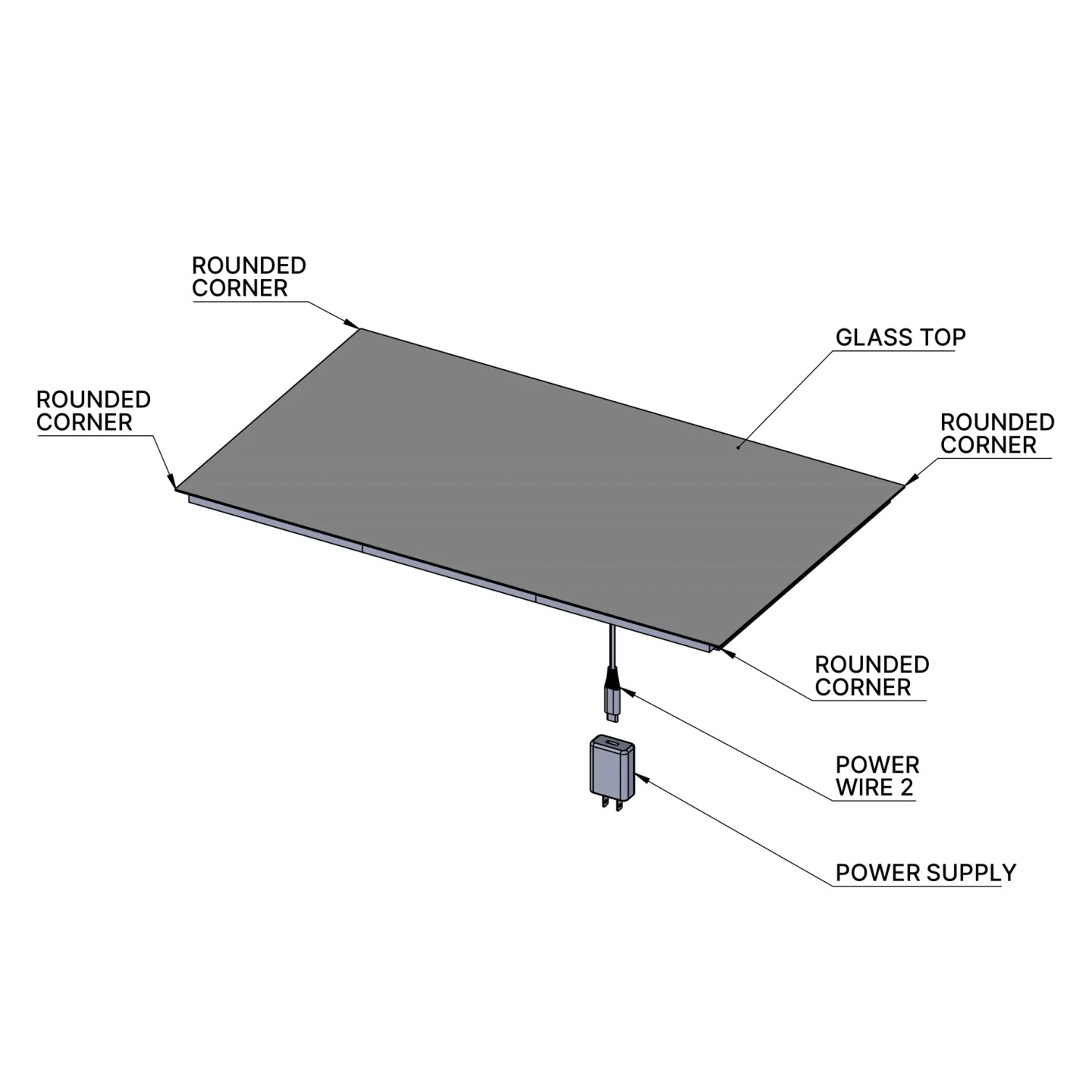
LED-only panel — top view. Glass top with rounded corners, power cable and power supply.
01LED-only panel — top viewGlass top with rounded corners, power cable and power supply.
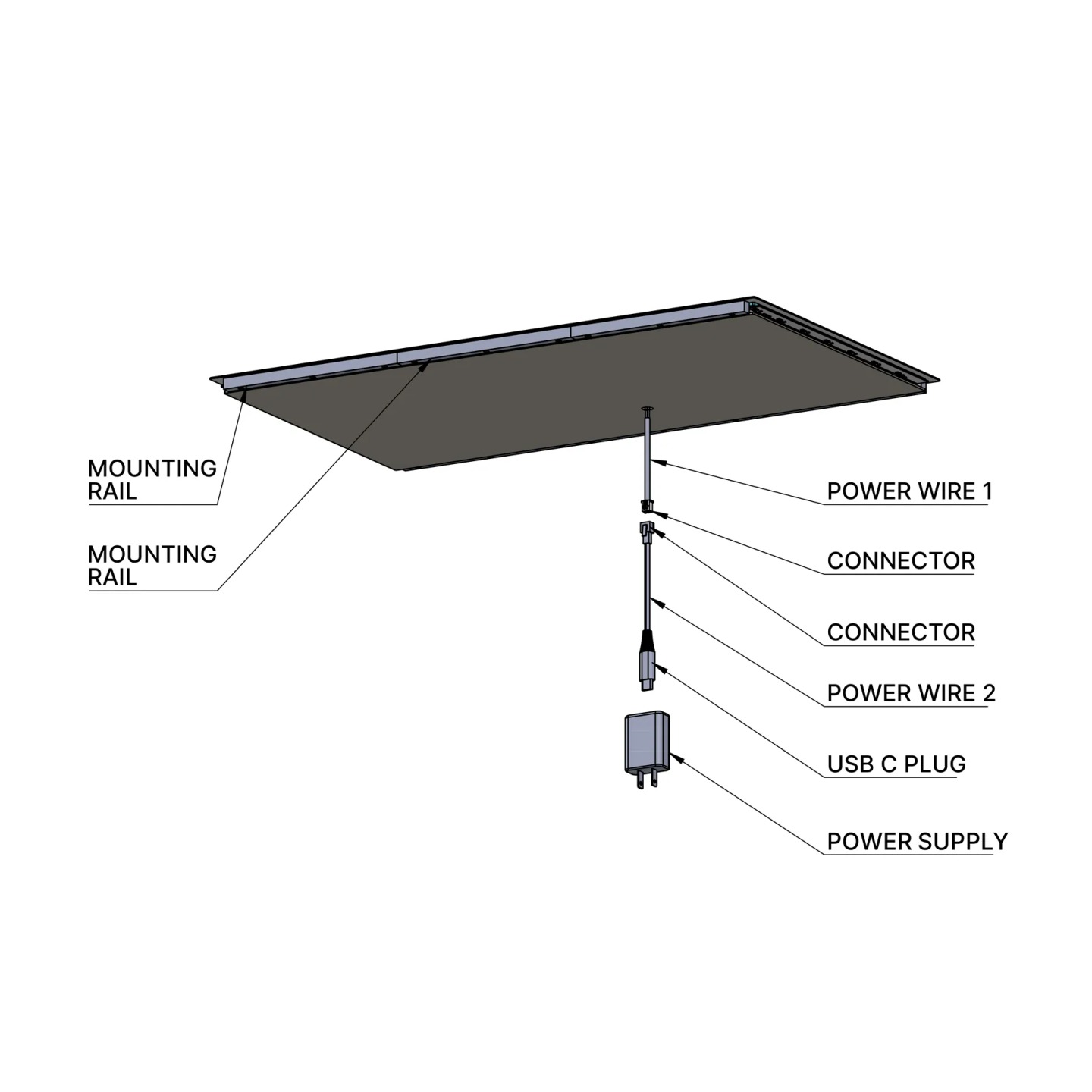
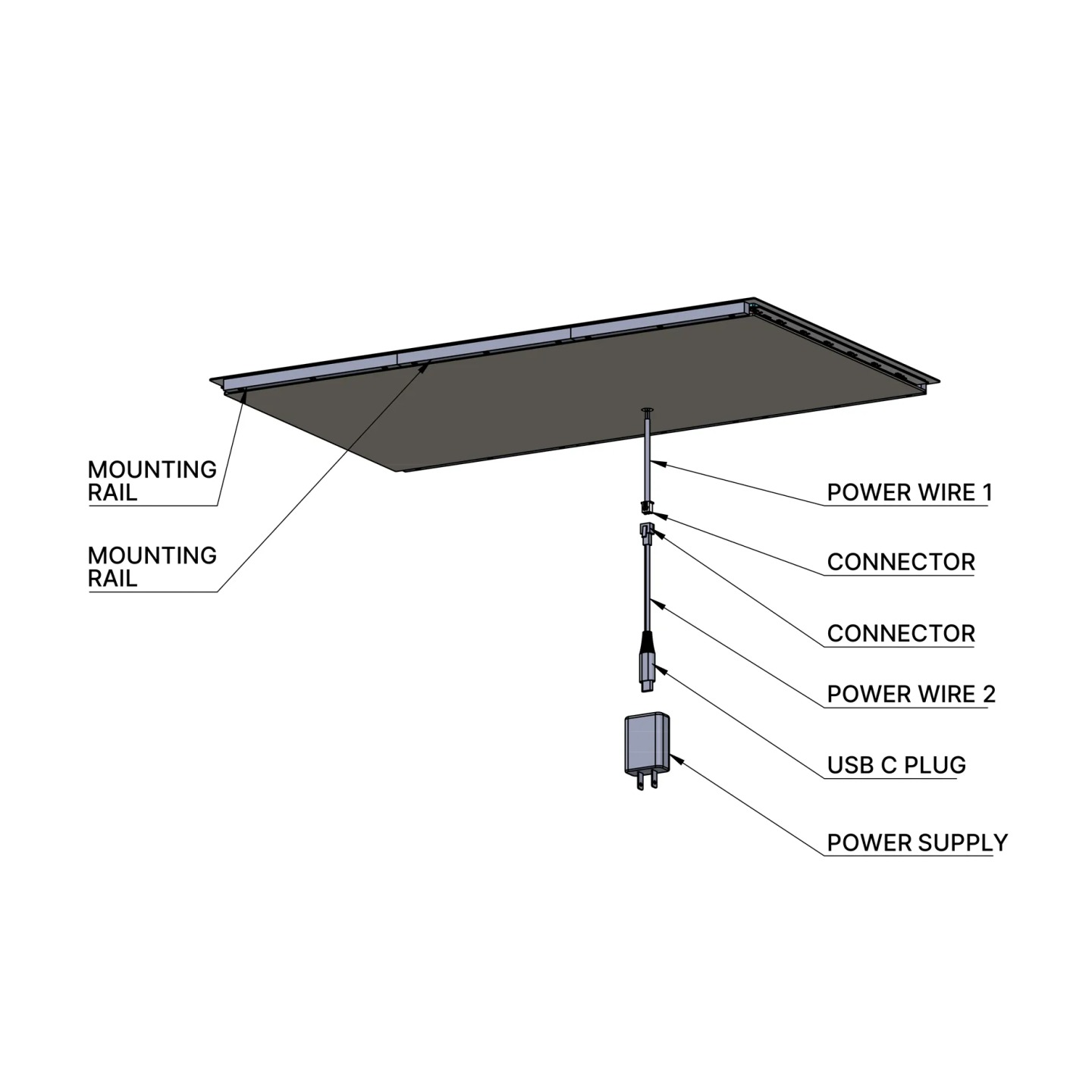
LED-only panel — underside. Mounting rails, power cables, connectors and power supply.
02LED-only panel — undersideMounting rails, power cables, connectors and power supply.
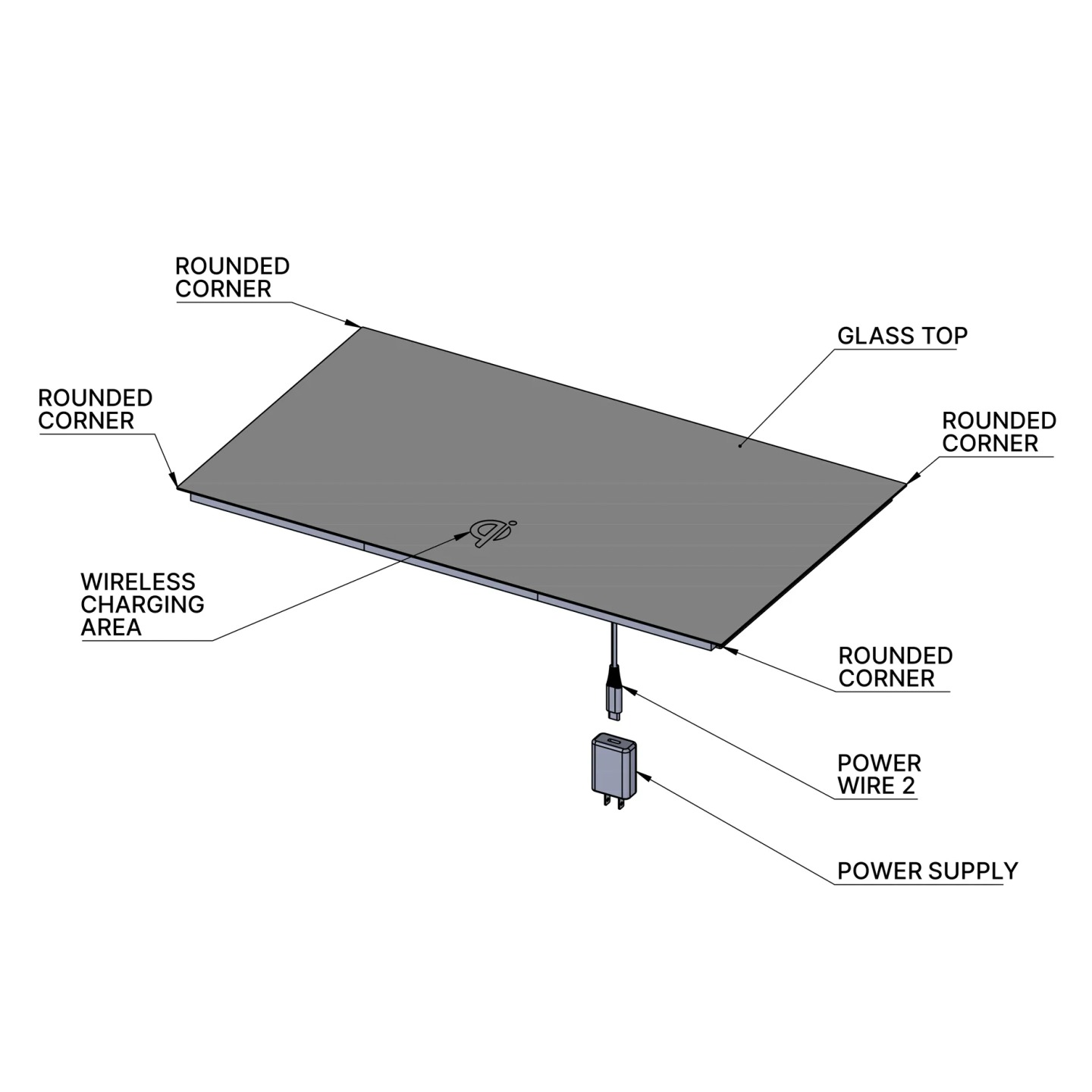
Wireless charging panel — top view. Glass top with rounded corners, marked wireless charging area and power connection.
03Wireless charging panel — top viewGlass top with rounded corners, marked wireless charging area and power connection.
Wireless charging panel — underside. Mounting rails, power cables, connectors and power supply.
04Wireless charging panel — undersideMounting rails, power cables, connectors and power supply.

Select a drawing to enlarge it and explore the details.

02 / Installation made simple

Furniture installation

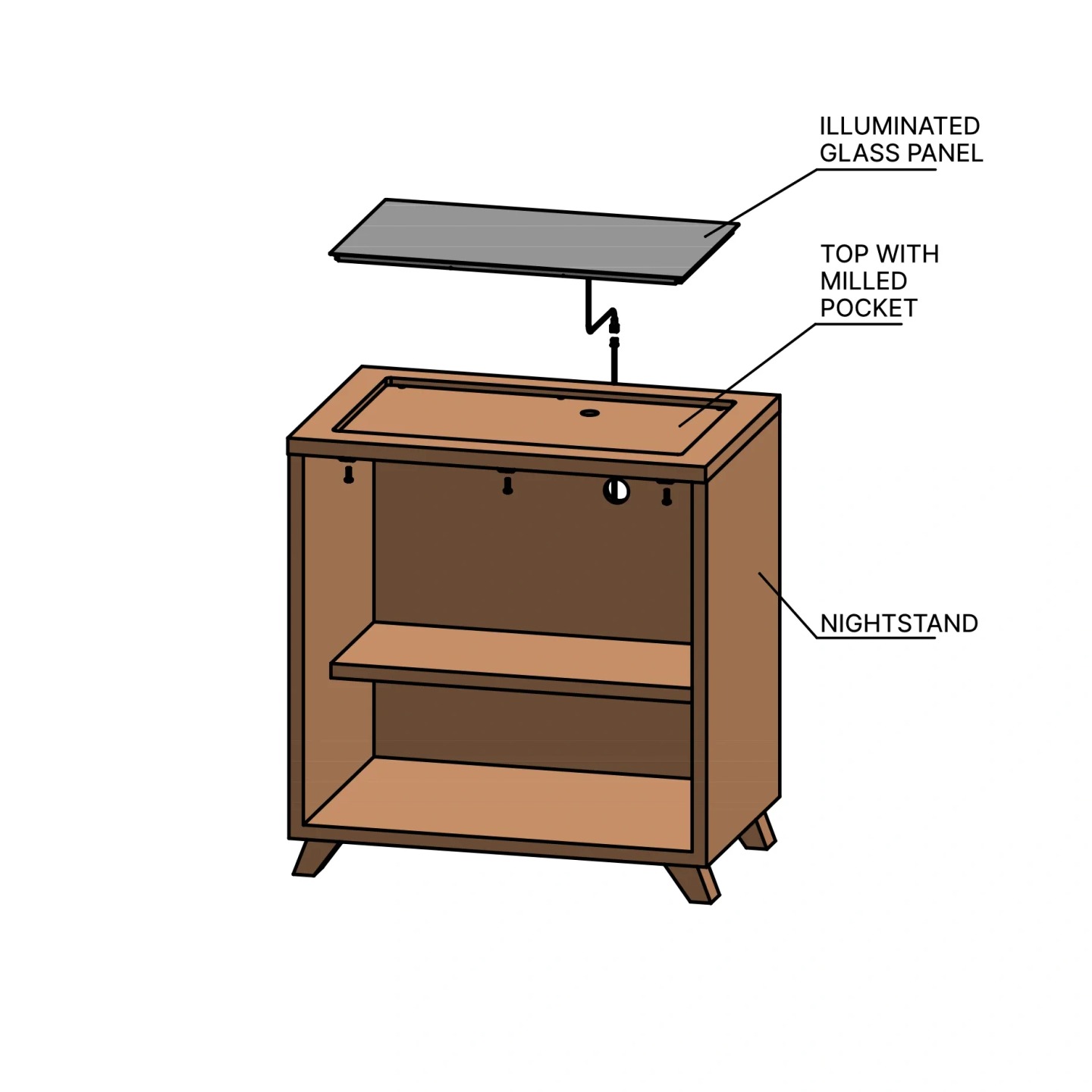
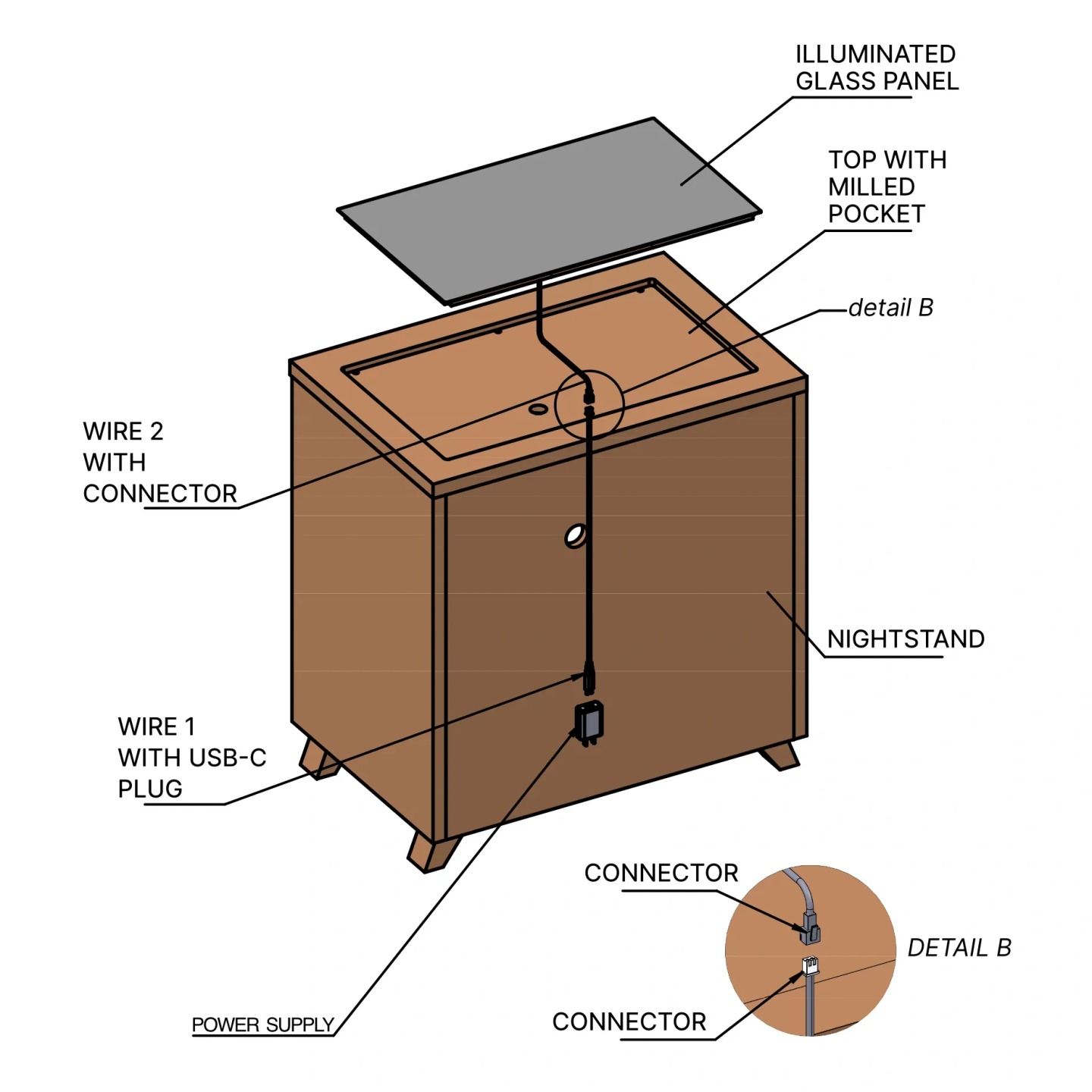
These illustrations show the panel’s placement, mounting and cable connections in a nightstand, including the USB-C hub configuration.
Panel installation

Illustrations 01–04
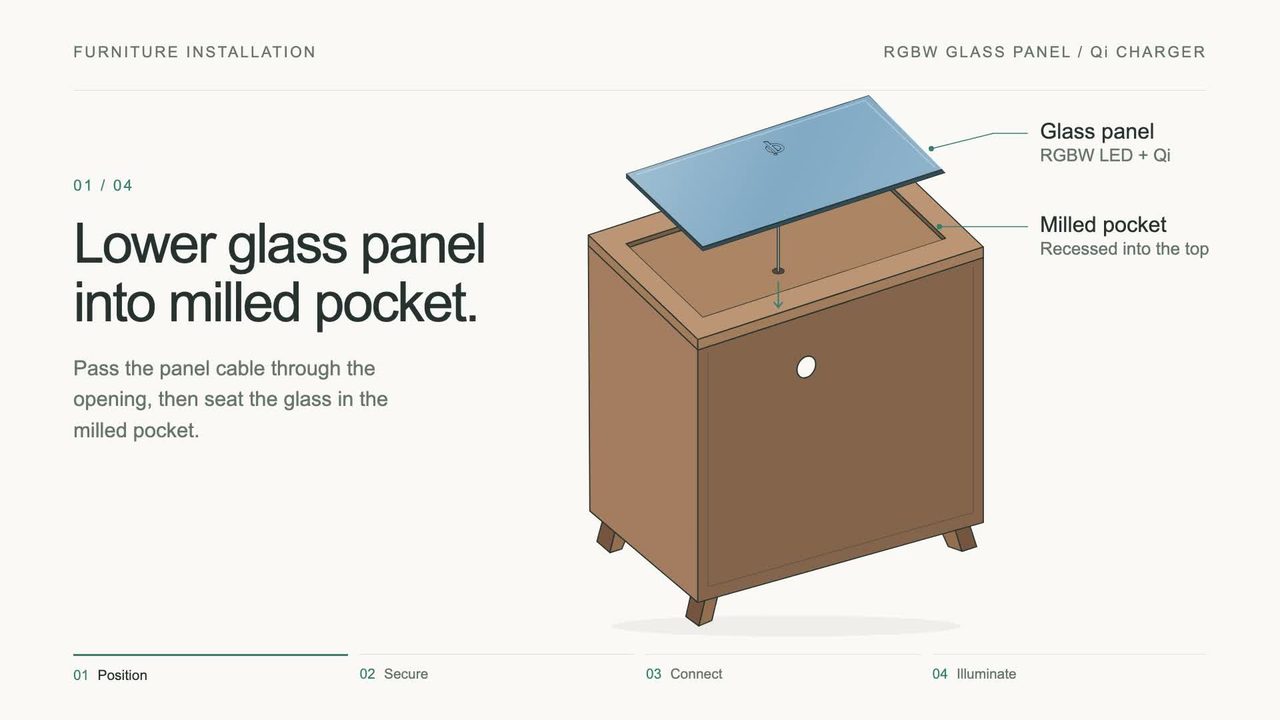
Furniture installation diagram: Panel placement. The glass panel sits within a milled pocket in the furniture top.
01Panel placementThe glass panel sits within a milled pocket in the furniture top.
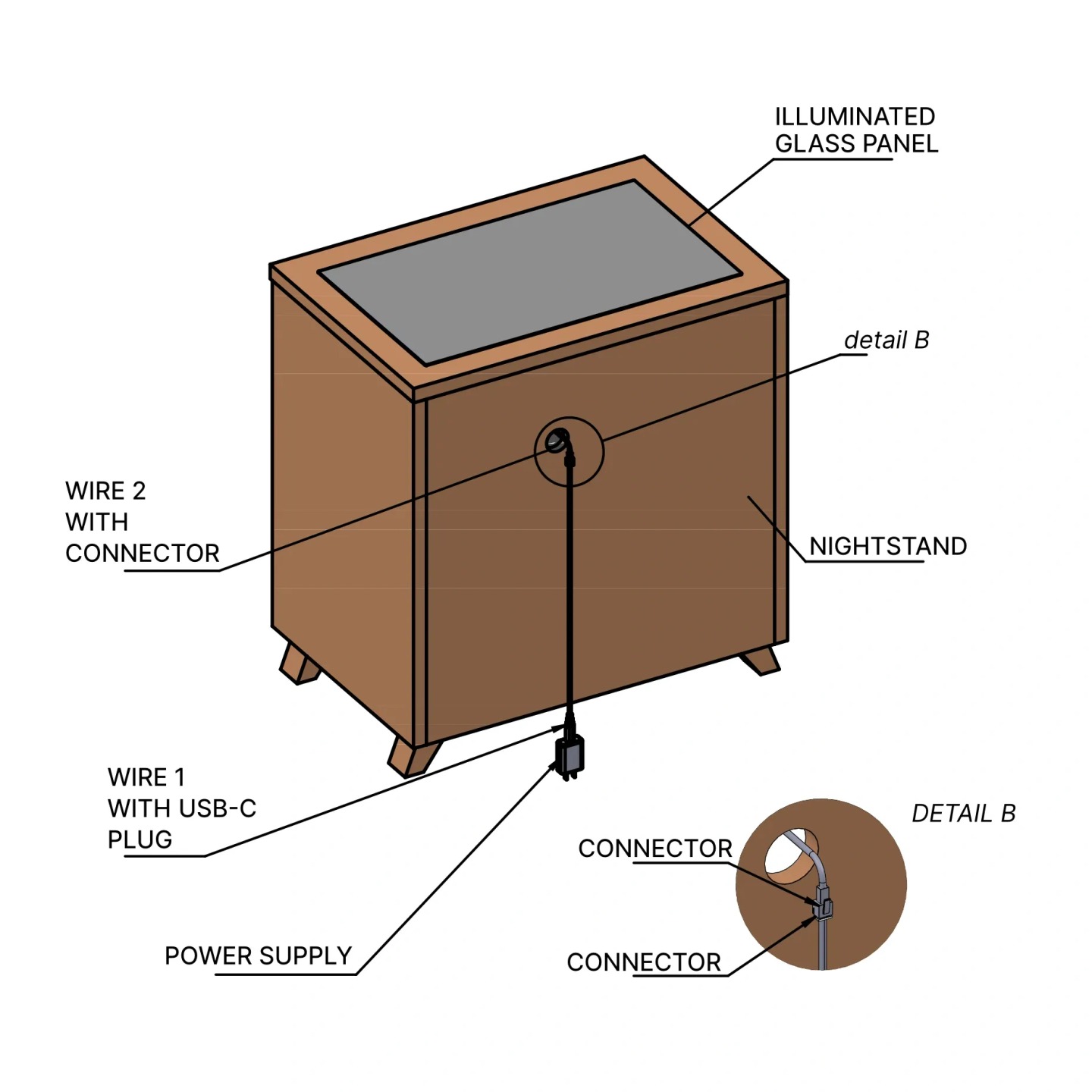
Furniture installation diagram: Cable routing. Rear view of the panel cable, connector and power supply.
02Cable routingRear view of the panel cable, connector and power supply.
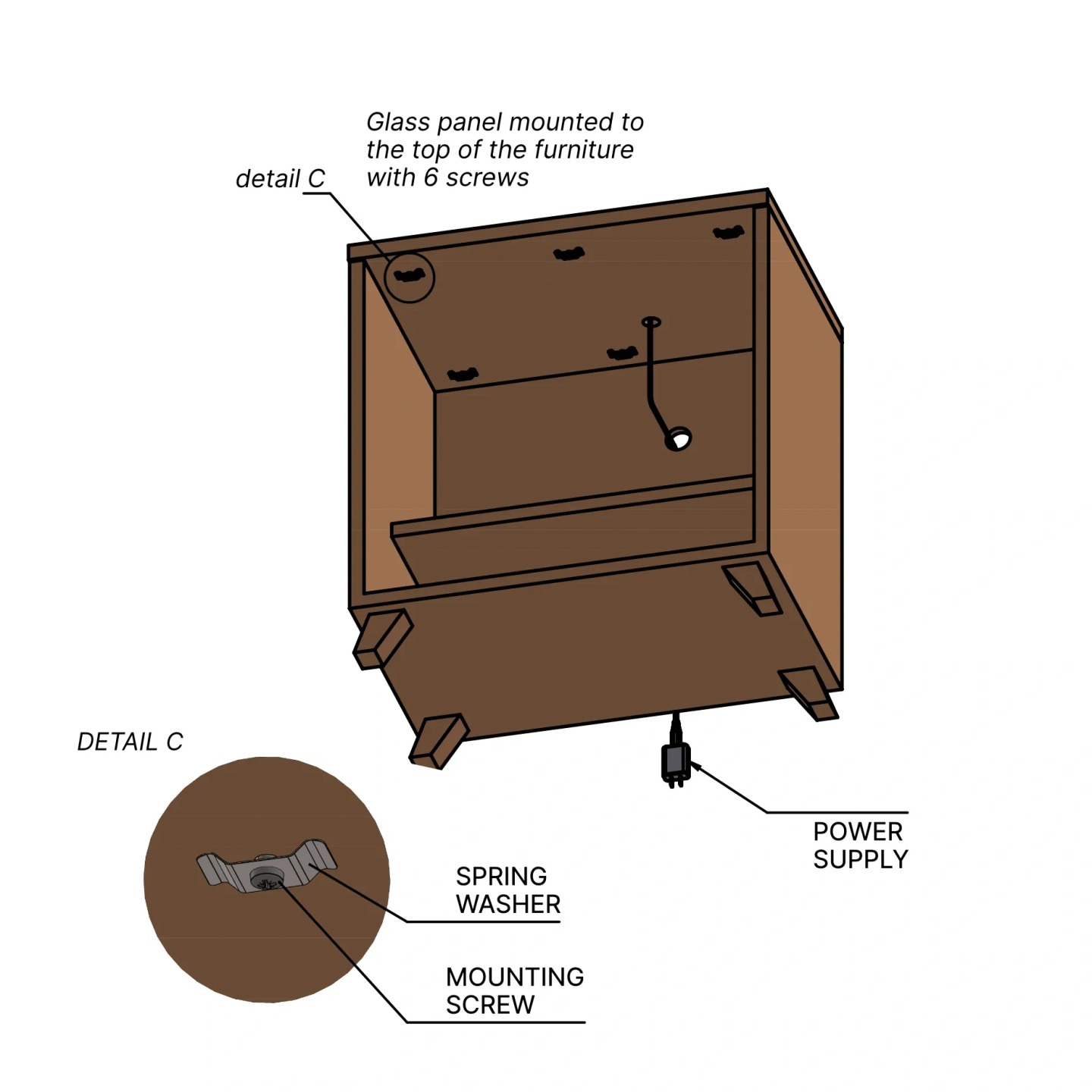
Furniture installation diagram: Mounting from below. Underside view showing six mounting screws and spring washers.
03Mounting from belowUnderside view showing six mounting screws and spring washers.
Furniture installation diagram: Installed panel. Rear view of the fitted panel and its cable connections.
04Installed panelRear view of the fitted panel and its cable connections.
Quick installation video preview showing the glass panel being lowered into the nightstand top.

Video guide

Quick installation guide

See the installation in motion.

Watch video

USB-C hub configuration

Illustrations 05–06
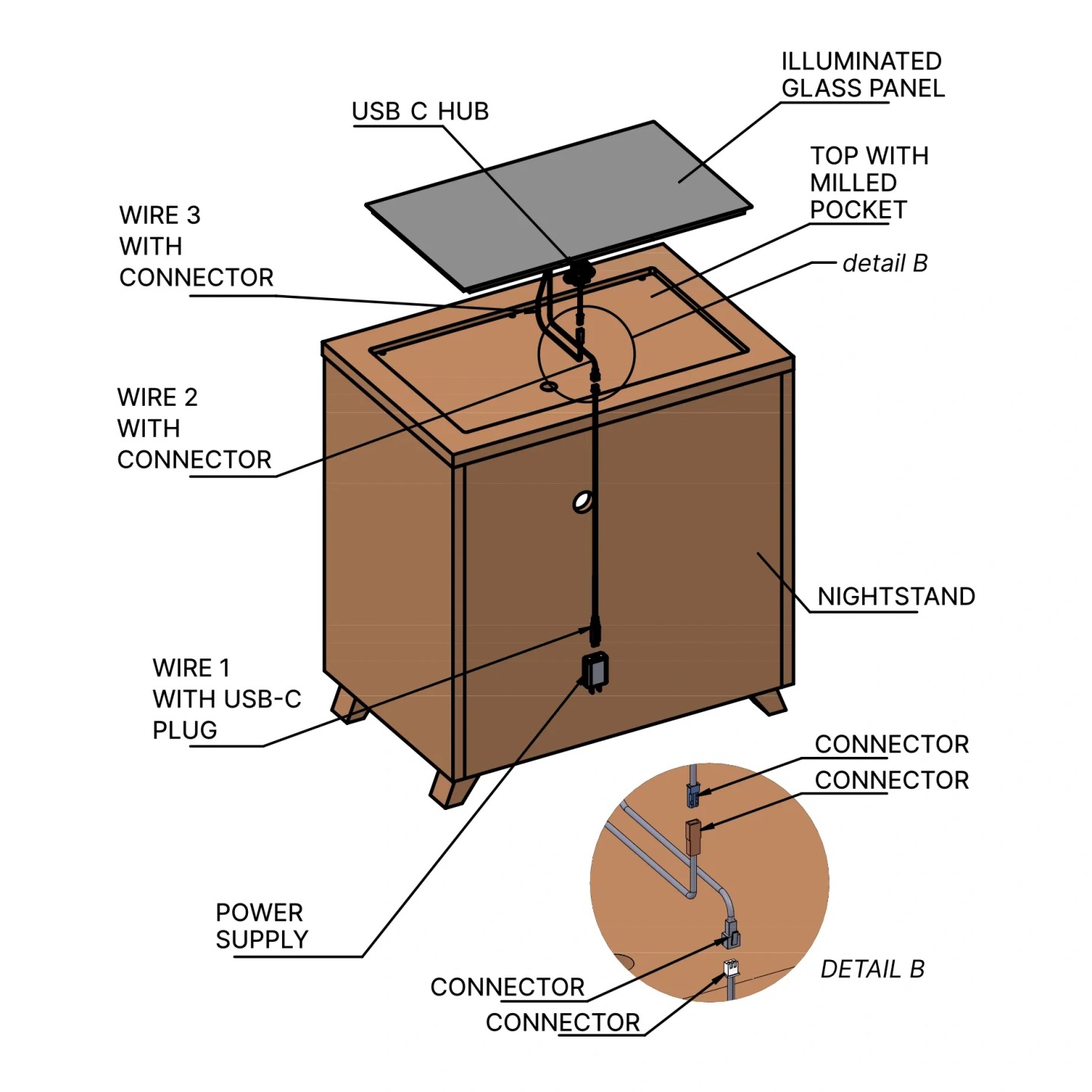
Furniture installation diagram: USB-C hub connections. Panel and hub wiring shown before the panel is fitted.
05USB-C hub connectionsPanel and hub wiring shown before the panel is fitted.
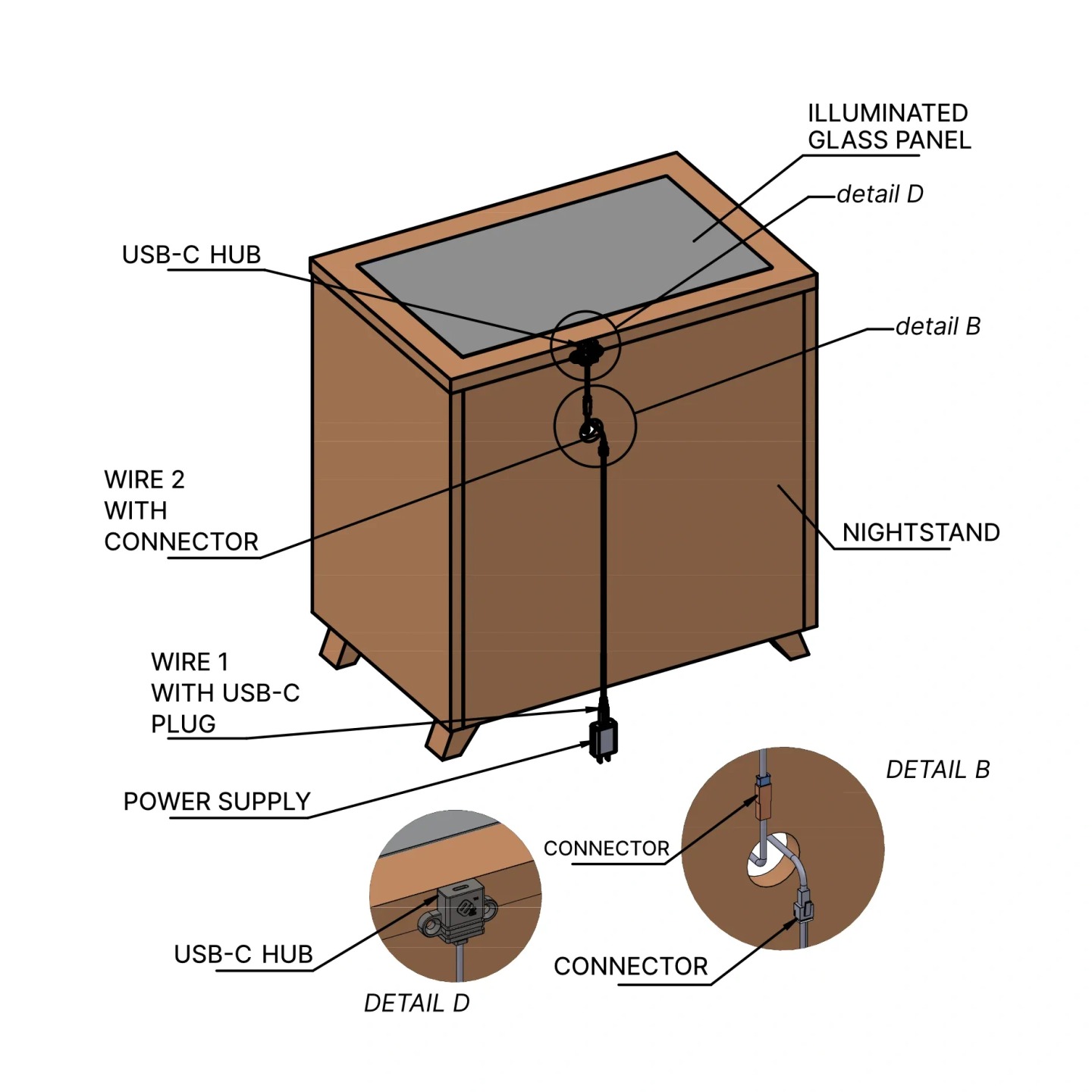
Furniture installation diagram: Installed USB-C hub. Fitted panel, hub placement and rear cable connections.
06Installed USB-C hubFitted panel, hub placement and rear cable connections.

Select any illustration for an enlarged view. The diagrams describe the furniture assembly shown.

Quick installation guide